
This website uses cookies to improve your experience. We\'ll assume you\'re ok with this, but you can opt-out if you wish. Read More



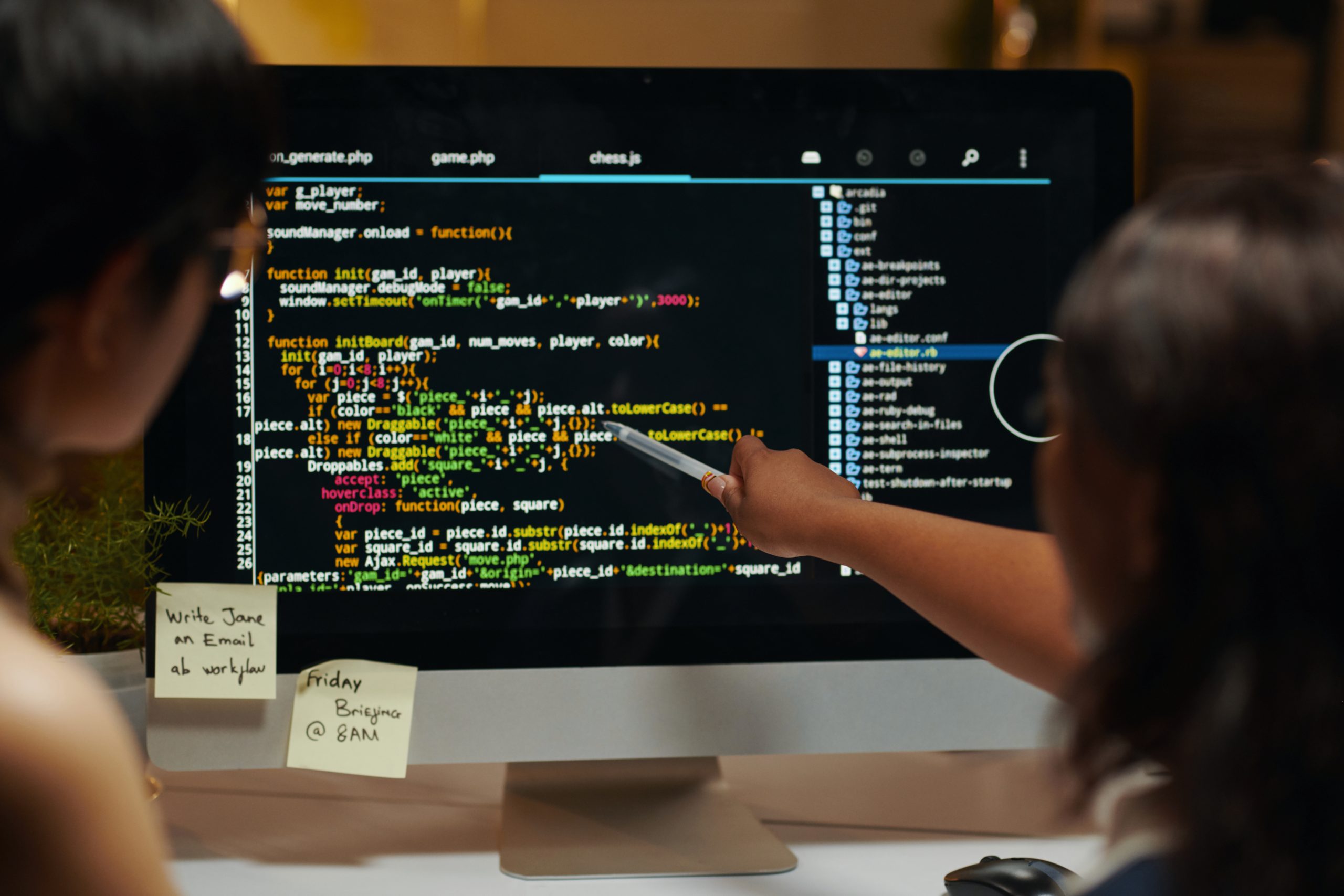



This article summarises my early experiences using Generative AI tools, particularly Claude Code, to support software development. Approaching the work with limited recent coding practice, I explored different ways of structuring the development process, from loosely defined prompts to a more disciplined, requirements-driven approach.
Across several attempts, the tools proved useful in generating documentation, schemas, and test data, and in maintaining a clear structure throughout the project. Although the process was not significantly faster than traditional development for me, it reduced context switching and kept the work more focused. Overall, Generative AI complements the development process and is likely to become increasingly common in software teams.
I wanted to gain a clearer and more practical understanding of how Claude Code could support the software development process. Although this is familiar territory for people already working with Generative AI tools, I approached it knowing that I am no longer a strong developer. To keep the work relevant to the Realitech domain, I set out to build an application that analysed HLS and DASH stream manifests. My intention was to complete the project without writing any code myself. I also wanted the process to be more structured than a loose, exploratory approach, and I was interested in learning effective ways of working with these tools.
I began by setting up Claude Code in Visual Studio Code on a Mac and drafted a very lightweight specification with minimal detail. I then asked Claude Code to generate the application based on this outline. The result was disorganised and not usable, and there was little point in attempting to run it. I decided to delete the entire attempt and start again with a different approach.
For the second attempt, I decided to take a more structured and disciplined approach. I set up a dedicated project in Visual Studio Code and saved all interactions with Claude Code directly within the workspace. This included prompts, responses, and generated files, mostly in markdown format. I also connected the project to GitHub so everything was version-controlled.
I created a more comprehensive set of requirements, including user stories, acceptance criteria, and technical and operational requirements. I also wrote a background document explaining the purpose of the application and outlining the key components: parsing HLS and DASH manifests and using ffmpeg to extract further information from video fragments.
The requirements specified that the application should have a modern web interface and be deployable via Docker containers. Once these were in place, I asked Claude Code to propose a suitable tech stack and architecture. It suggested a Python-based backend and a React-based frontend, each running in its own container.
Reflecting on the outcome, the code was certainly over-engineered for the task, although it showed better structure than the first attempt. Functionally, it worked to some extent, but inconsistently. Some manifests were processed correctly; others were not.
To support testing, I provided a set of manifest URLs that Claude eventually factored out into a separate file. I used Planning Mode to create a structured plan, approving each step as it progressed. Claude also added extra API tests, which helped with verification. The build process took a noticeable amount of time, but eventually the development server and web application launched.
One of my goals was for the tool to detect SCTE markers and DRM details. This part did not work, and the application was unable to extract or interpret the relevant information. It highlighted both the potential and limitations of this approach. All documentation—including requirements, prompts, and guidance—was kept in markdown, which helped maintain consistency.
For the third attempt, I shifted to a Java-based web service with a much simpler architecture. I began a new requirements document, adding the initial requirements manually and ensuring each had a unique identifier. For subsequent requirements, I asked Claude Code to formulate and insert them. It handled this accurately, following the ID structure perfectly.
I wanted the service output to be a JSON document, and I asked Claude Code to generate an appropriate JSON schema. I gave it some examples and some added information on e.g. value ranges. Claude created a very well-defined schema based on this. This created a solid foundation for how the service would communicate its results.
Using Planning Mode again, I built the application iteratively, starting with a minimal version. I provided example HLS and DASH manifest URLs and asked Claude to generate a JSON test file, which it did precisely.
This approach felt much more structured and coherent than my earlier attempts. I worked with Claude in a more interactive way, asking it to add requirements, generate schemas, and produce test files at appropriate moments. After each iteration, I updated the requirements document and asked Claude to refresh the plan and any related materials. The workflow became more predictable and easier to manage.
Overall, the result was quite good. The application evolved in a clear and organised way, supported by structured requirements, iterative planning, and targeted interactions.
Using Generative AI to produce software is still software development, only approached in a slightly different way. I don’t think there is one single correct method for using tools like GitHub Copilot or Claude Code; the best approach depends on the developer and the project.
One of the clearest benefits for me was how quickly Claude could generate supporting artefacts such as JSON schemas and test cases without needing to look things up. Keeping the requirements document central to the workflow worked well, as Claude could interpret updates and adjust plans accordingly.
The resulting code quality was reasonable, and the overall structure of each project matched my expectations. In terms of speed, it was not significantly faster than developing without GenAI assistance, at least in my case. However, it made the process more focused by reducing the need to search for external information.
Would I use these tools in real software development projects? Yes. Even if writing the code manually, GenAI can analyse existing code, suggest improvements, and help maintain structured documentation. Documentation generation and upkeep is a particularly strong use case.
I believe that GenAI tools for code generation and workflow support will continue to become more common in software teams and organisations. They are not a replacement for developers, but they offer valuable assistance throughout the development process.
Get in touch with us today to claim your free one-day consultation for new customers. Explore how Realitech’s expertise in Test-Driven Integration, agile delivery, and technology transformation can help reduce risk, accelerate progress, and deliver real value to your projects.
This website uses cookies to improve your experience. We\'ll assume you\'re ok with this, but you can opt-out if you wish. Read More
Cookie Settings